


Controls & Lodar
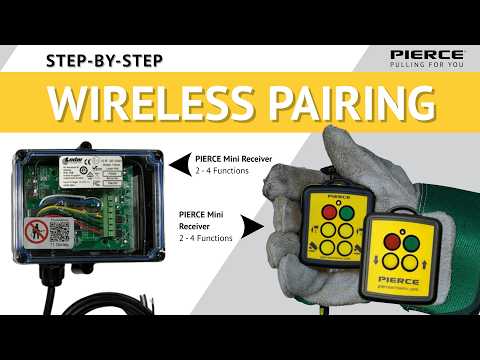
How to pair a PIERCE wireless transmitter to the receiver in one minute
 1:22
1:22About This Video
Quickly pair your PIERCE mini transmitter to the receiver in four easy steps. Chris goes through the process so you can get your equipment up and running or you can establish connection with a replacement transmitter.
0:00 – Introduction to pairing the PIERCE transmitter / replacement unit.
0:10 – Battery installation: four #1 Phillips screws, remove enclosure, install two AAA batteries on the keypad side, reassemble.
0:28 – Critical step: completely remove power from the receiver (status light will show power is present; pairing cannot begin while any power is applied).
0:39 – Reapply power. When the light begins flashing, press and hold the green button for approximately 5–10 seconds until the light changes from flashing to solid.
0:54 – Press red to turn the system off, then green to turn it back on. Toggle functions and confirm corresponding LEDs illuminate.
1:09 – Support: 1-800-658-6301 or PierceArrowInc.com.